CTR-L CREATIVE SUITE
Take your creativity further.
Bring pattern, stencil, 3D, video and production tools together in one focused creative ecosystem.
Bring pattern, stencil, 3D, video and production tools together in one focused creative ecosystem.
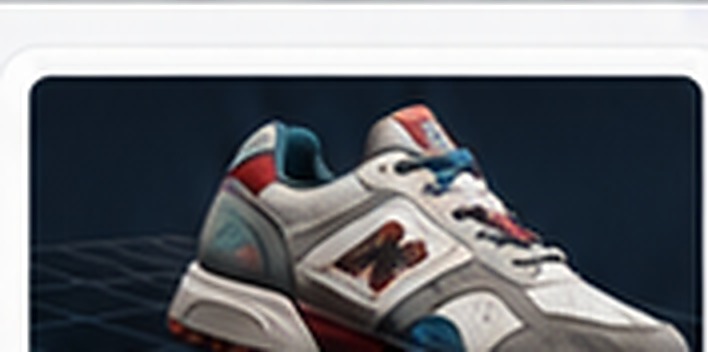
Move from technical preparation to presentation with a fast, professional 3D workflow.
Generate, edit and prepare original patterns, mandalas and stencils without breaking your workflow.
Each CTR-L program is powerful on its own. Together they form a connected production workflow.
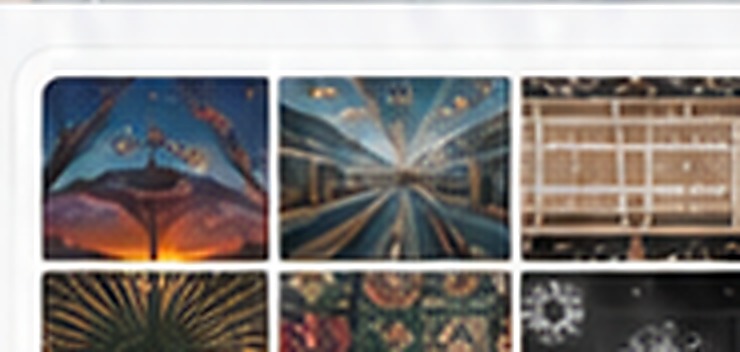
Create repeatable patterns and surface designs with production-ready exports.
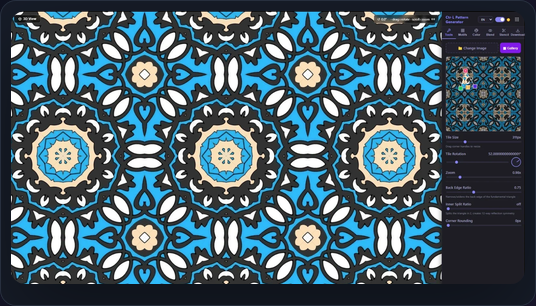
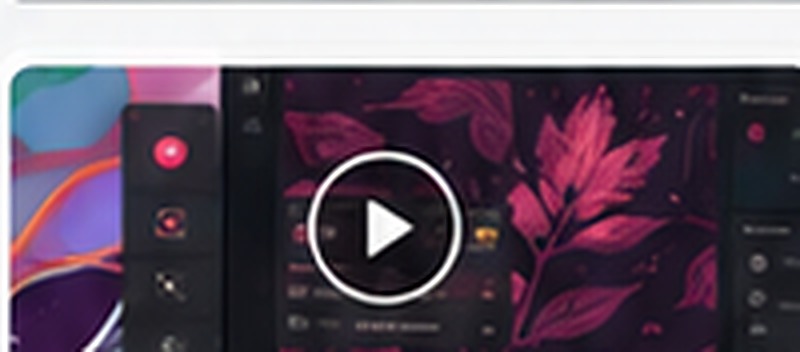
Create, refine and export without getting lost in unnecessary menus.
Start from an idea, media file or project and build quickly.
Adjust details with focused tools and precise controls.
Export the right format for production, presentation or sharing.
Move between design, 3D, video, browser and production tools while keeping your workflow connected.
System requirements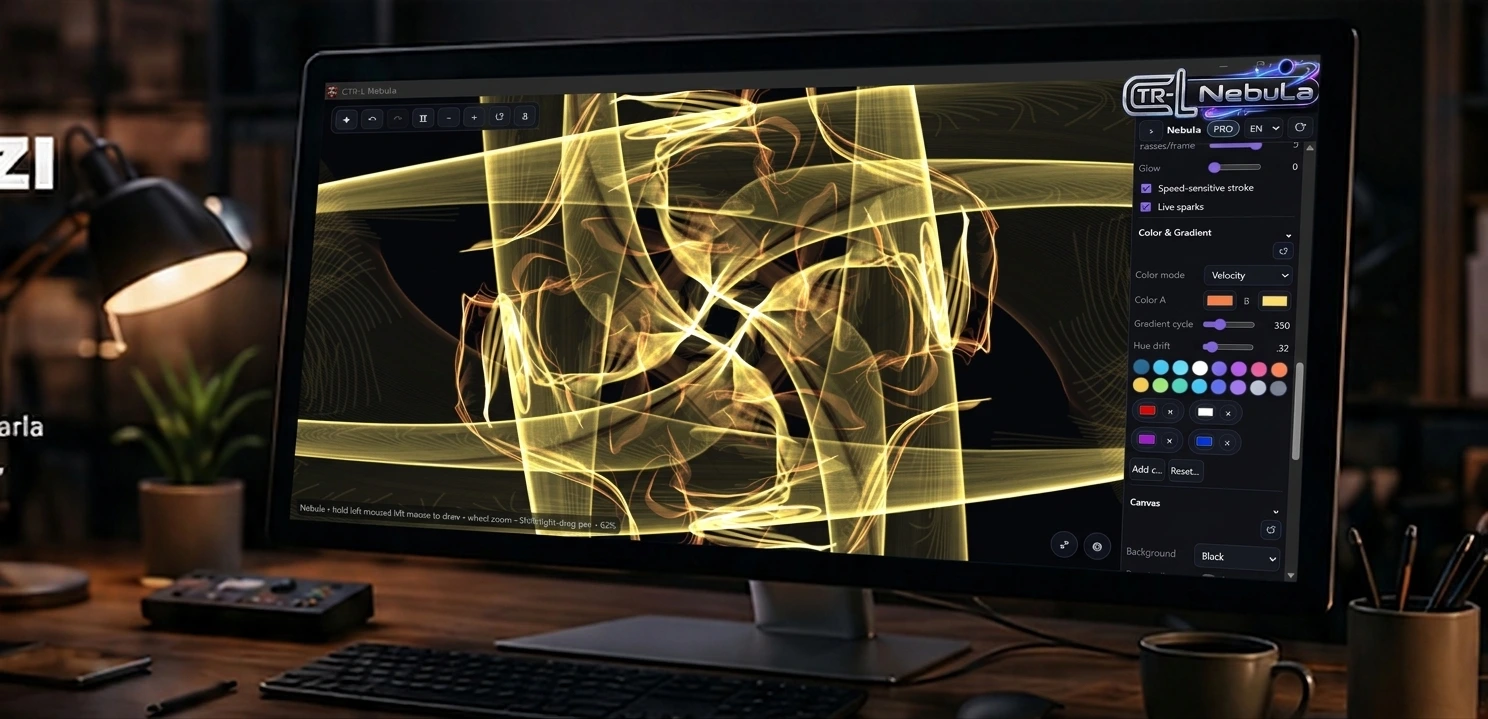
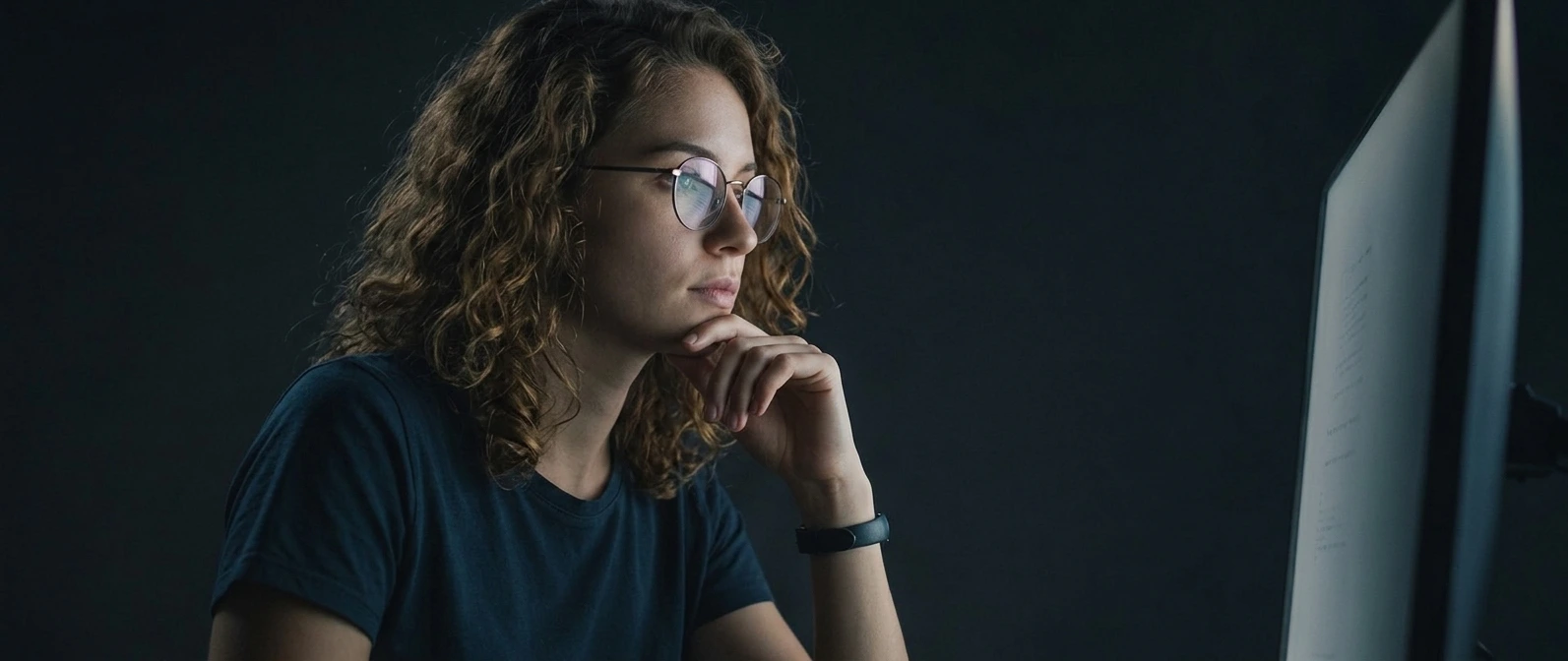
“CTR-L brings the tools I use into one focused workspace, so I can spend more time creating.”
CTR-L Creator
Creative professional
Open a product page to see the current license and download options.
Choose the CTR-L program that fits your workflow.
Discover apps, extensions and account tools from one place.
Sign in to manage licenses, devices and downloads.
Browse the full catalogue and open the product that fits your next job.
 Web Ctr-L BrowserDesktop web browser integrated with the CTR-L ecosystem, accounts and extension library.
 Pattern GeneratorCTR-L design tool for generating repeatable patterns.Pattern EditorCTR-L editor for pattern editing, layers and production workflows.
 3D Editor ProCTR-L 3D editor focused on modeling, measurement, STL/3MF and production.
 Video Maker ProCTR-L video editor with timeline, transitions, audio and rendering tools.
 Tile Editor ProCTR-L desktop editor focused on tile and pattern design.
 Ctr-L NEbuLaCreate flowing, symmetrical and colorful generative artwork with an intuitive real-time drawing experience.
 Mandala Maker ProCTR-L design tool for mandala and symmetric artwork.
 Ultimate 3D SceneCTR-L 3D scene creation and editing tool.CTR-L AccountLicenses, devices and downloadsExtension LibraryAdd focused capabilities to your workflow
A few essentials about CTR-L software and licensing.
Yes. Open the product page to see the available license options for that app.
Supported formats and export options let you move compatible assets between CTR-L workflows.
Use your CTR-L Account to manage licenses, downloads and connected devices.
Yes. CTR-L content is designed to follow the selected content language across the system.
Explore CTR-L software for design, 3D, video, browser and production workflows.